
Tax season has a way of arriving all at once. You have a folder of documents, a vague memory of a deduction you meant to claim, and no appetite for sitting in a crowded CPA office in early April. The alternative used to be doing it yourself and hoping you didn’t forget anything.
That is why AI tax filing software exists: upload the forms and statements you have, let the system organize them, identify tax deductions, and file. Not every tool fits every situation, so in this blog, we are going to share what the best AI tax filing software you can use.
1. Deduction
Best for: Personal AI tax filing with real CPA oversight
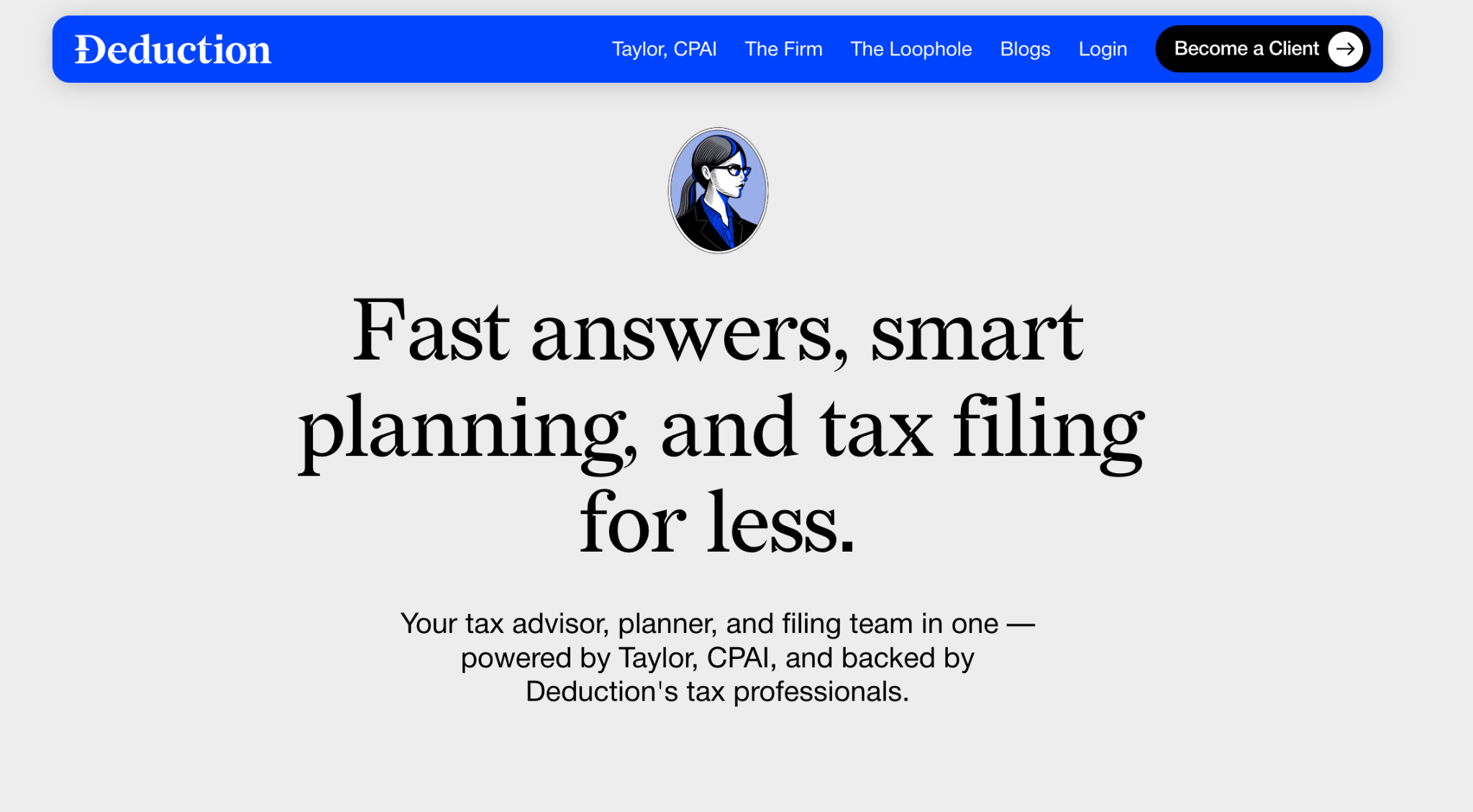
Deduction is a tax firm built around Taylor, CPAI, an AI tax assistant that organizes your documents, answers questions by chat, text, or email, and prepares your return. A tax professional verifies every return before it is filed.
You drop documents into a secure Vault, forward the rest by email, and get planning advice all year instead of panicking in April.
Pros
- Document vault: The Vault takes almost anything you throw at it, including forwarded emails, so nothing gets lost during tax season
- Real conversation: Questions get answered by chat, text, or email without booking a call or waiting days for a reply.
- CPA sign-off: Every return is reviewed and approved by a licensed CPA before it is submitted to the IRS.
- Year-round advice: You can ask Taylor CPAI for recommendations and advice throughout the year based on your submitted records.
Cons
- Annual billing: The fee is charged yearly rather than monthly, so the cost comes in a single hit.
- Personal returns only: The service is scoped to individuals, not sales tax, VAT, or firm-level workflows.
Pricing
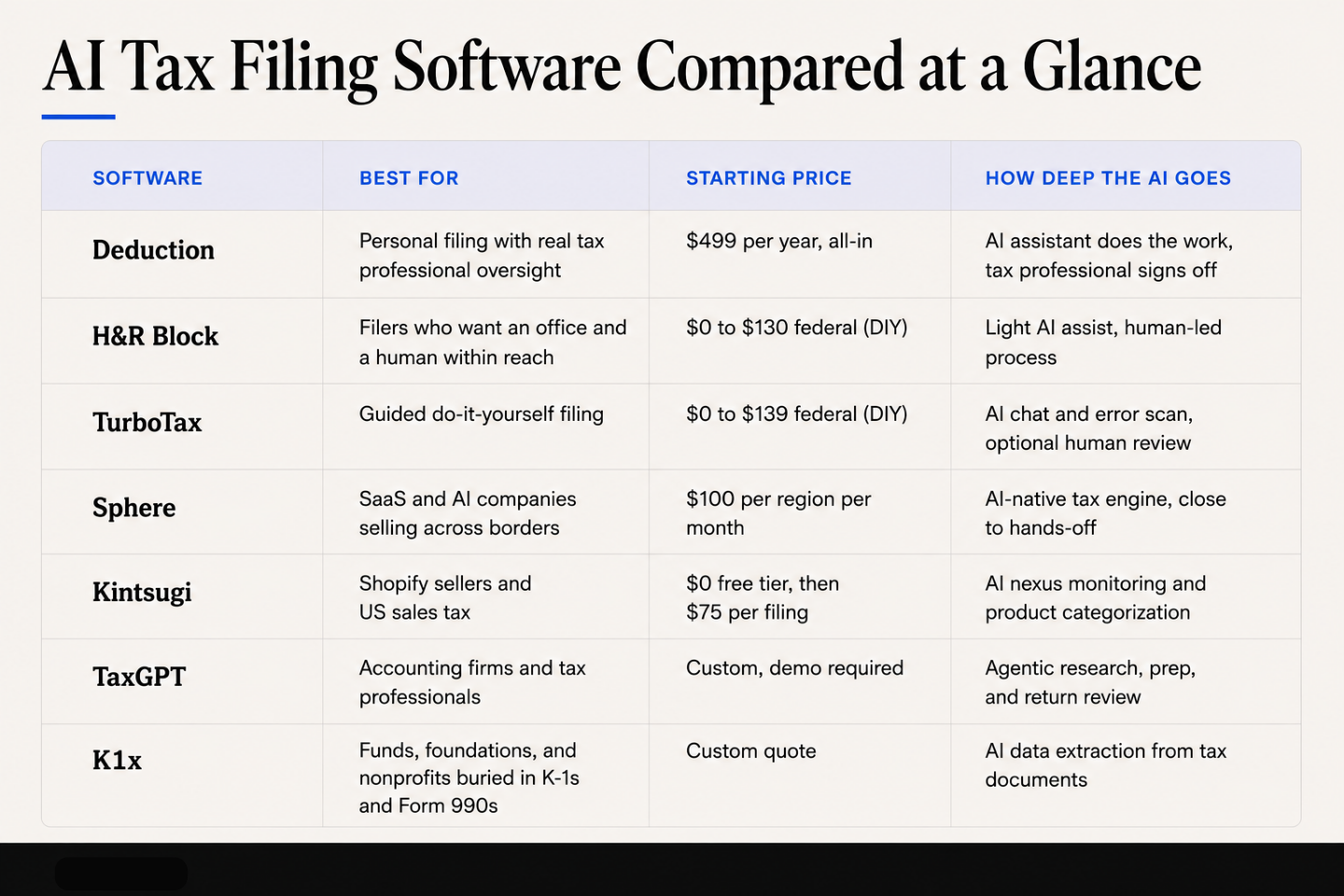
New clients pay a flat $499 that covers unlimited CPA-reviewed advice for the year plus the annual filing, and existing clients keep the price they paid the year before.
2. H&R Block

Best for: Filers who want an office and a human within reach
H&R Block pairs do-it-yourself online software with a nationwide network of physical offices. The online tiers walk you through an interview-style questionnaire, carry forward prior-year data, and include unlimited expert help on paid plans.
AI features assist in the background, but the process is human-led. You can start online and hand the return to a pro midway.
Pros
- Plain-English questions: The interview flow rarely requires you to know a form number to answer anything.
- Prior-year carryforward: Your data rolls over, which cuts most of the repeat typing after the first season.
- Human backup: Audit support and access to tax pros are there when a return turns complicated.
Cons
- Add-ons priced separately: The total often lands well above the advertised tier price.
- Uneven support: Reaching a human during peak season can take several attempts.
- Import gaps: Automatic wage and income import does not always work, which means manual entry the first time through.
Pricing
Online do-it-yourself filing runs from $0 for simple returns up to $130 for the self-employed tier, plus $49 per state return. In-office preparation with a tax pro starts at $99 plus roughly $75 per state, before any add-ons.
3. TurboTax

Best for: Do-it-yourself filers who want a guided walkthrough
TurboTax is the most widely used consumer filing software in the US. Intuit Assist, its AI layer, answers questions as you go and auto-fills details from photographed or uploaded documents, while CompleteCheck scans the finished return for errors. Human tax experts handle the review and full-service tiers, so the AI supports the process rather than running it end to end.
Pros
- Document capture: Photo and payroll import fill in large chunks of the return before you type anything.
- Hard to get lost: The step-by-step flow holds up even for a first-time filer.
- Three clear paths: You can do it yourself, get expert help on demand, or hand the whole thing over.
- Free tier that works: Simple returns can still be filed at no cost.
Cons
- Constant upselling: Upgrade prompts and paid add-ons interrupt the flow and inflate the final bill.
- Priciest in the category: Extras like early refund access stack on top of an already high base.
- Thin expert review: Reviews can be brief, and reviewers are not always equipped to troubleshoot software glitches.
Pricing
Do-it-yourself federal filing runs from $0 on the Free Edition to $79 for Deluxe and $139 for Premium, with state returns priced separately. Adding on-demand expert help or handing the return over entirely costs more, topping out at $209 federal on the highest Expert Assist tier, with full-service pricing quoted for your situation before work starts.
4. Sphere
Best for: SaaS and AI companies selling across borders
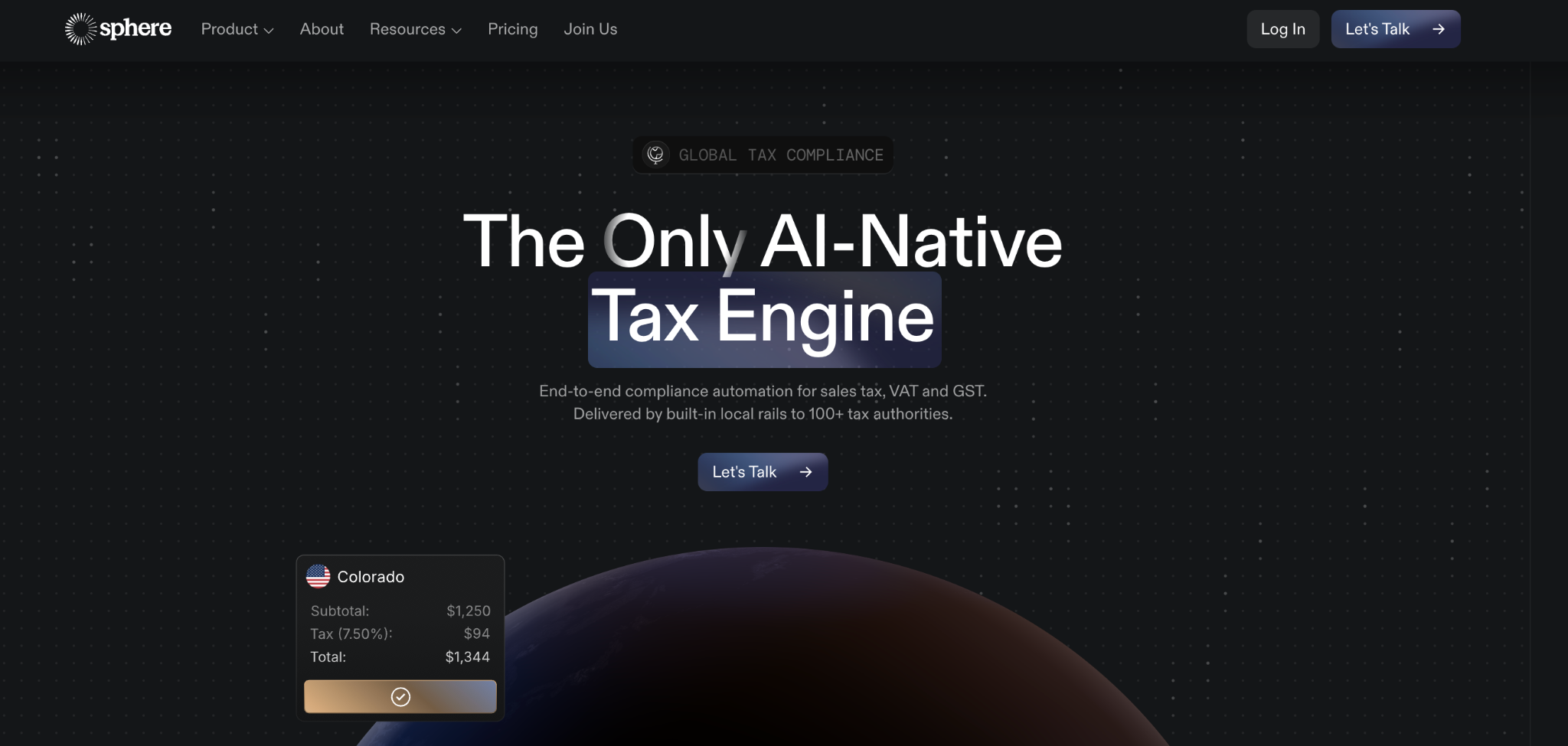
Sphere automates indirect tax compliance for companies that sell internationally. Its AI-native tax engine watches where you have crossed a registration threshold, then handles registration, calculation, and filing across US states and more than 100 regions.
It is aimed at mid-market software companies that suddenly owe VAT in Germany or GST in Australia with nobody in-house to sort it out.
Pros
- Set it and forget it: Monitoring, registration, calculation, and filing happen without you touching the system each month.
- Wide Coverage: US sales tax, VAT, and GST live together instead of a separate vendor per region.
- Back taxes included: Historical exposure calculations come with every plan, which matters if you find the problem late.
- Hands-on support: A dedicated account manager and 24/7 Slack access come with the higher tier.
Cons
- Remittance gaps: Global remittance is still being built out, so parts of the workflow stay manual for now.
- Rough edges: The interface is clunkier than more established competitors in a few places.
- Not fully automatic: Foreign registrations still need your input rather than happening entirely on your behalf.
Pricing
The Starter plan is $100 per region per month for fewer than 10 regions and includes monitoring, registration, calculation, and filing. Companies operating in 10 or more regions move to custom Growth pricing, with a flat per-transaction fee above 50,000 transactions.
5. Kintsugi
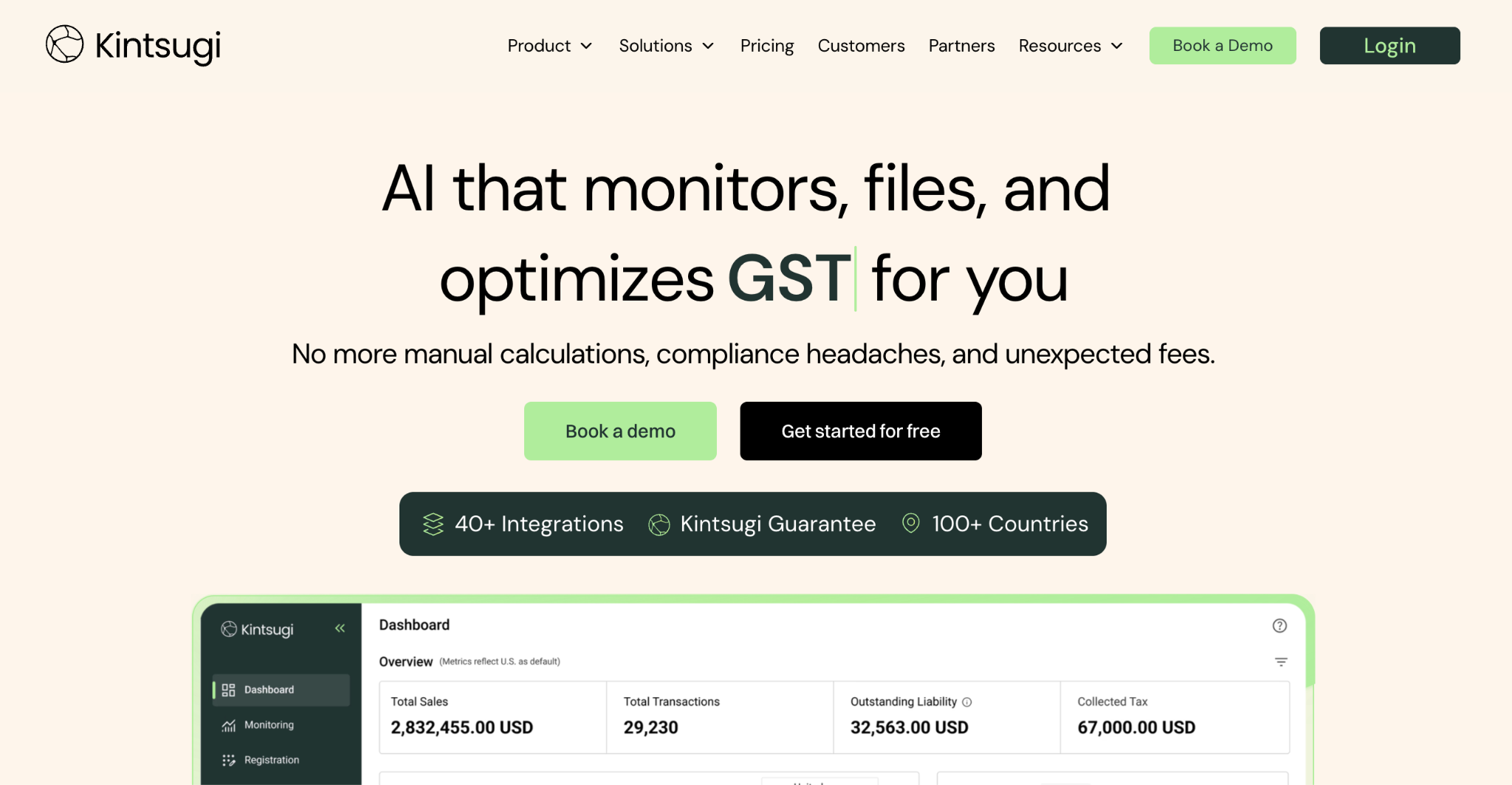
Best for: Shopify sellers and US sales tax
Kintsugi is an AI sales tax platform built for ecommerce and SaaS businesses. It watches your transaction data for physical and economic nexus, categorizes products, validates addresses, then registers, files, and remits on your behalf. No-code connectors pull data from Shopify, Stripe, and similar platforms, and Kin, the in-app assistant, answers questions grounded in your own numbers.
Pros
- Free exposure monitoring: You can size up your nexus risk across the US and 100-plus countries before paying anything.
- Cleans up back liability: The platform handles historical exposure, including voluntary disclosure agreements on the top tier.
- No-code integrations: Shopify, Stripe, BigCommerce, and others connect without any engineering work.
- Predictable pricing: Billing is per filing, with no onboarding fees, transaction fees, or annual contract.
Cons
- Inconsistent support: Some users report tickets going unanswered entirely.
- Limited outside North America: Registrations and filings beyond the US and Canada are thin, which pushes global sellers elsewhere.
- Noisy alerts: Nexus warnings fire for jurisdictions you do not need, with no way to suppress them.
Pricing
The Free plan covers nexus and exposure monitoring with no credit card required. The Starter plan is $75 per filing or registration, and Premium is custom-priced with volume discounts for multi-entity or multi-country sellers.
6. TaxGPT
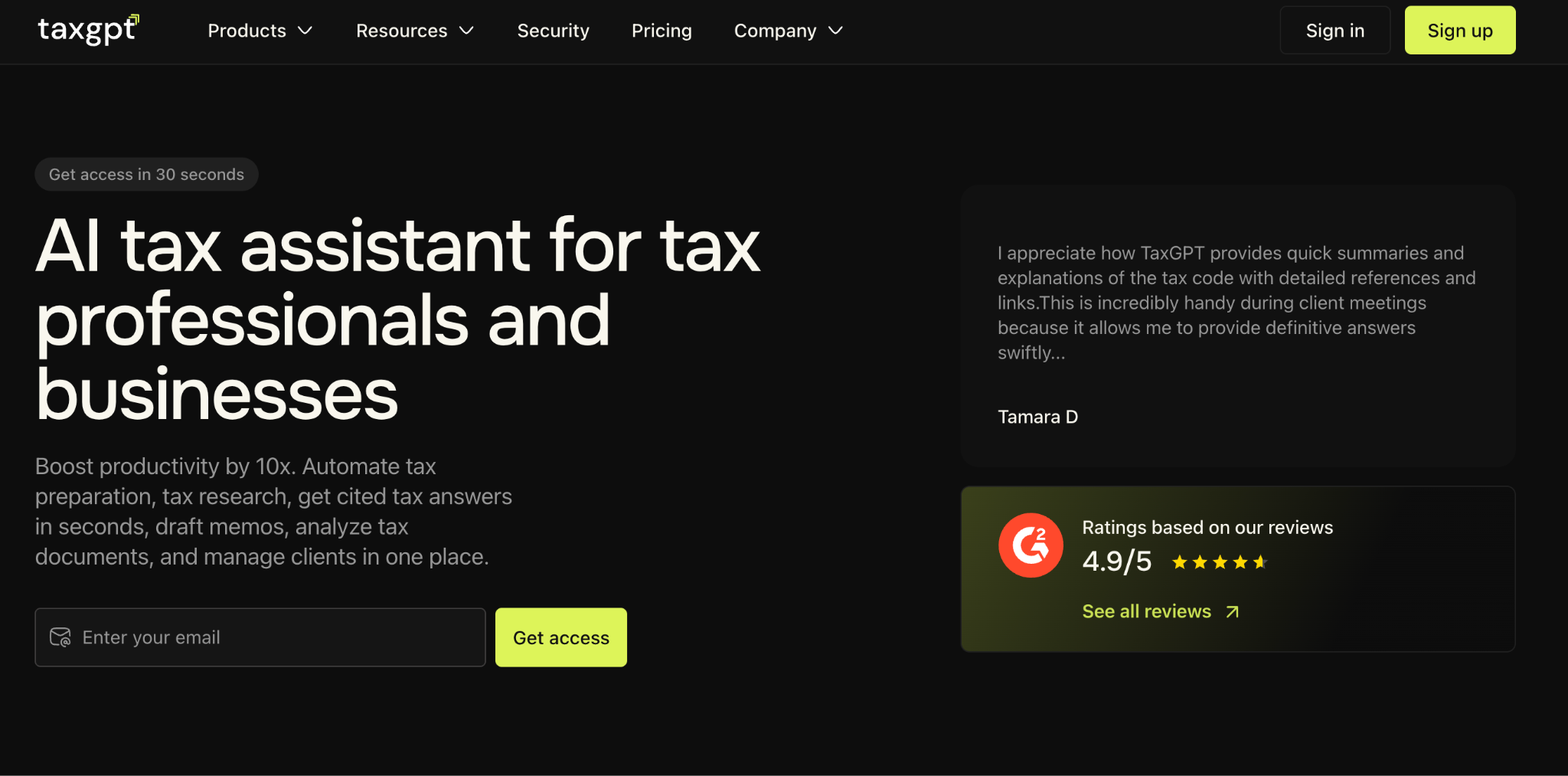
Best for: Accounting firms and tax professionals
TaxGPT is an AI platform for accountants rather than everyday people. It answers federal, state, local, and treaty questions with citations, drafts memos and IRS notice responses, reviews returns before sign-off, and runs agents inside software firms already use. Client Intelligence keeps a running memory of each client entity and prior-year position.
Pros
- Cited research: Answers come back with code-section citations, so you can check the work instead of trusting it.
- Document extraction: The AI pulls data out of IRS notices and fixed asset schedules, then drafts response language your team can review and send.
- Works in your stack: Agents operate inside your existing tax software, so the firm stays the system of record.
- Fast-moving product: Support is unusually hands-on for how young the product is, and the feature set expands quickly.
Cons
- Not for laypeople: The tool is built for people with tax training who already know how to frame a real-world fact pattern.
- No published pricing: You have to sit through a demo before you learn the cost.
- Rough automation: Repetitive tasks still ask for confirmation each run, speed can lag, and workspace folders do not follow you between machines.
Pricing
TaxGPT does not publish prices for its Pro, Pro Plus, and Enterprise plans, and each one is scoped during a demo based on team size, client count, and the features you need. Expect a per-seat annual subscription rather than a consumer-style monthly fee.
7. K1x
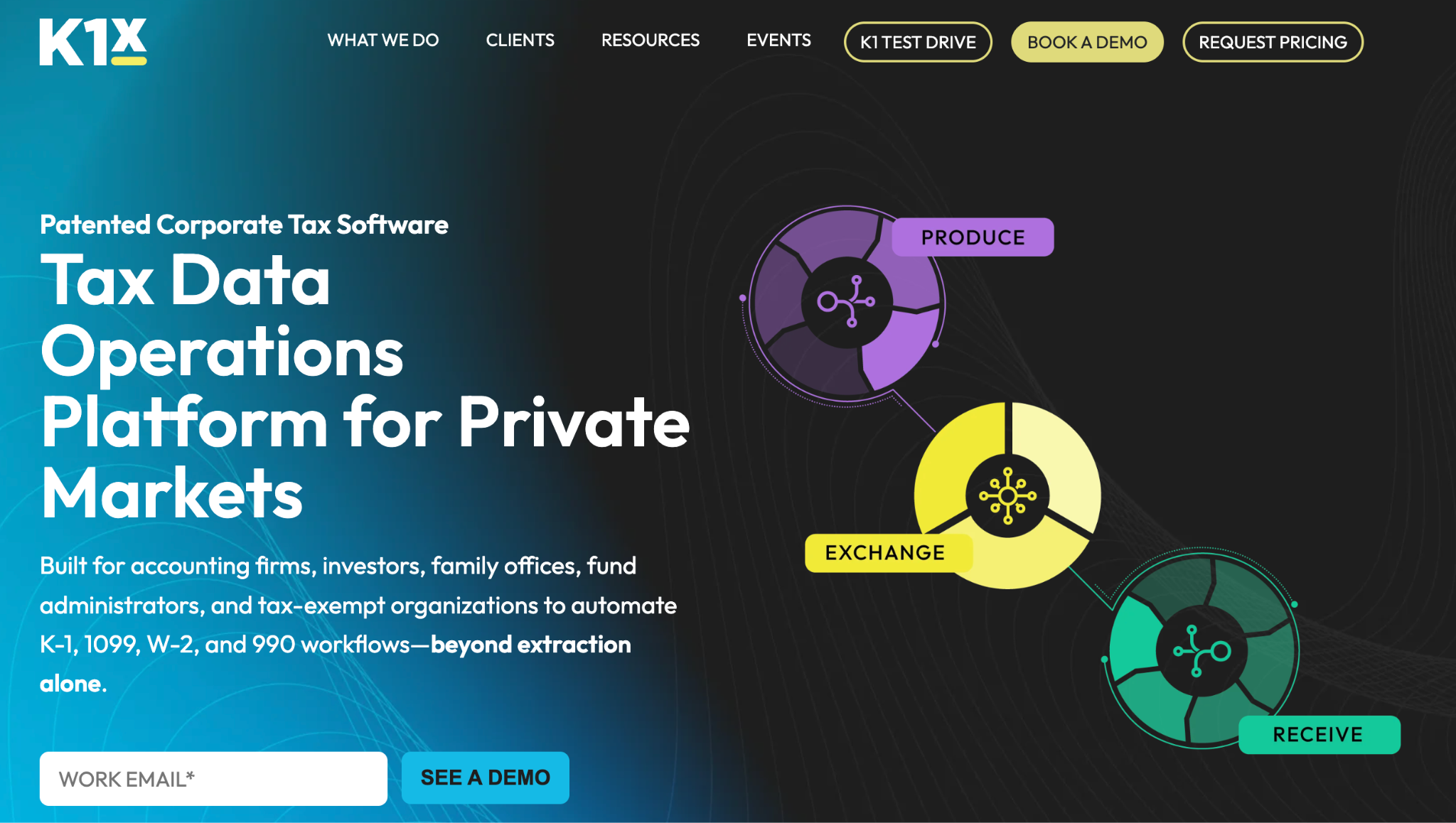
Best for: Funds, foundations, and nonprofits buried in K-1s and Form 990s
K1x automates the data trapped in alternative-investment paperwork. Its AI reads inbound Schedule K-1s, 1099s, W-2s, and 990s, extracts the figures into normalized data, and pushes them into your tax software instead of someone re-keying PDFs by hand. It also generates outbound K-1s and runs Form 990 preparation and filing for tax-exempt organizations.
Pros
- No more re-keying: The AI kills the manual transcription of K-1 PDFs, the single biggest time sink for funds and foundations.
- Form-matched labels: Field wording mirrors the actual tax forms, so there is almost nothing to translate.
- Works both directions: The platform reads inbound K-1s and produces outbound ones from one central dataset.
- Training included: A free online certification and in-product tax instructions shorten the learning curve.
Cons
- Weak state extraction: State K-1 and K-3 data lands on the wrong line items and needs manual correction.
- Coverage gaps: Some state schedules and footnotes are unsupported, forcing workarounds like attaching prepared PDFs.
- Effortful setup: Onboarding takes real work, and QBI or UBIA data does not always import cleanly downstream.
Pricing
K1x does not publish list prices. Pricing is quoted per organization based on document volume and the modules you need, so expect an enterprise-style annual contract rather than a self-serve plan.
What Is an AI Tax Filing Software
An AI tax filing software is a service that uses AI to read your financial documents, organize them, find deductions you qualify for, and prepare or file your return. The category is broader than the name suggests.
At one end, AI is a chatbot bolted onto a traditional interview flow. At the other end of the spectrum, AI does the preparation and a licensed human reviews and signs.
AI is still new in accounting, and the services with a professional review layer are the ones where the error rate approaches zero.
Why Should You Choose an AI Tax Filing Software
Here are the main reasons why to consider getting an AI Tax filing software yourself:
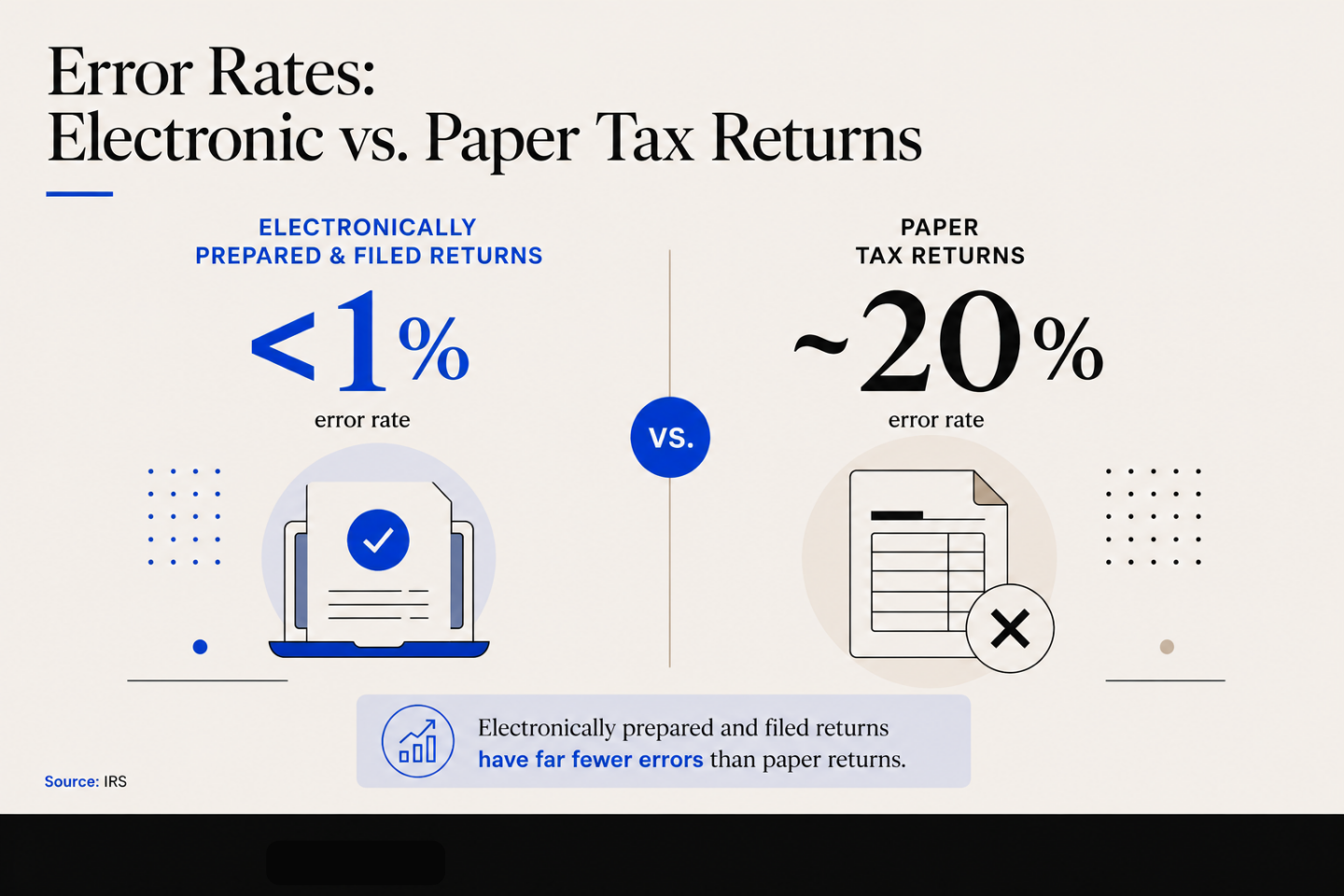
- Manual filing invites mistakes. Transcribing numbers off a dozen forms is error-prone work, and the IRS puts the error rate on a paper-prepared return at about 20% against less than 1% for one prepared and filed electronically.
- Corrections happen before you file, not after. Automated checks catch math errors, mismatched figures, and missing forms while you can still fix them, instead of surfacing as a notice months later.
- Deductions get found, not remembered. The software reads your actual documents and flags what you qualify for. You are no longer relying on recalling a deduction you read about in February.
- Your documents stay organized year-round. Everything sits in one place instead of scattered across email, so next January starts from a full folder rather than an empty one.
- A CPA reviews before anything is submitted. On the services that include it, a professional checks the judgment calls the AI is not qualified to make on its own.
How to Choose the Best AI Tax Filing Software For You
Most of the decision comes down to five questions. Here’s how you can choose the best AI tax filing software for you:
- Who is filing, a person or a firm? The everyday consumer tools and the accounting practitioner tools have clearly different routes in filing when using this software.
- What is the real cost over a full year? Compare the total you will pay, including state returns and add-ons. Per-filing pricing looks cheap until you file in twelve states.
- Is there a CPA or tax professional layer? For anything beyond a simple return, human review is the difference between a fast filing and a correct one. Check whether it is included or an upsell.
- How is your financial data protected? You are handing over your entire financial picture. Look for bank-grade encryption, role-based access, audit logs, and a stated policy on whether your data trains their models.
- Does it find your deductions, or just record the ones you name? This is the clearest dividing line between real AI value and a chatbot. Ask what it surfaces that you did not tell it about.
Let Deduction File Your Taxes For You
The hardest part of filing is knowing which deductions apply to your situation and whether you used them. Software that only records what you already knew leaves that judgment entirely on you.
Deduction is built the other way around as a tax prep software. Taylor, CPAI, your AI tax assistant, handles the organizing, analysis, and communication, and a licensed CPA is involved throughout, advising on the calls that need judgment and filing your return.
How it works:
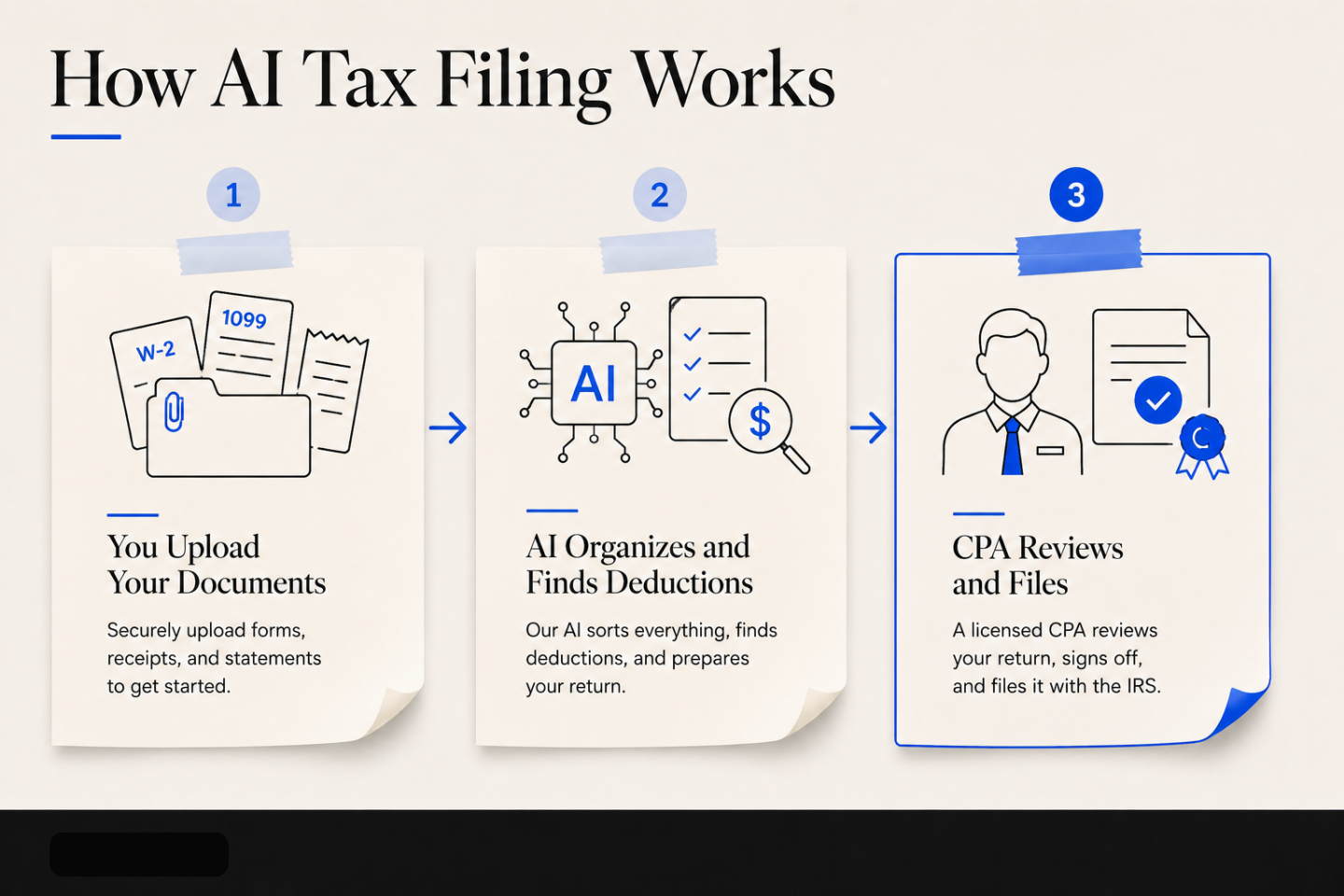
- Upload your documents to your Vault, or just forward the email they arrived in.
- Taylor, CPAI organizes everything, finds the deductions and credits you qualify for, and answers your questions by chat, text, or email.
- A tax professional verifies the return and files it, backed by an accuracy guarantee.
Be a client today!
Frequently Asked Questions about the Best AI Tax Filing Software
A few questions come up every time this category is discussed.
Can AI Really File My Taxes for Me, or Does It Just Help Me Prepare Them?
Both exist, and the difference is who is legally on the hook. Software can prepare and transmit a return; the return has to reach the IRS through an IRS-authorized e-file provider, and any paid preparer must sign it with a PTIN. So the AI can do the work end to end while a licensed human stands behind the submission.
How Does AI Simplify Tax Filing?
It removes the data entry and the searching. AI reads your uploaded documents and drops the figures onto the right lines, flags forms that appear to be missing, scans for math and consistency errors, and surfaces deductions you would not have thought to claim. Fewer manual steps means fewer of the mistakes that generate IRS notices.
Is AI-Prepared Tax Filing Accurate Enough to Trust With the IRS?
Accurate enough when a human reviews it. An electronically prepared and filed return carries an error rate of less than 1%, against about 20% for a paper-prepared return. AI eliminates transcription errors well. Judgment calls on eligibility, basis, and carryforwards still need a professional, which is why CPA-reviewed services exist.
Do I Still Need a CPA if I Use AI Tax Software?
For a W-2 and the standard deduction, probably not. For equity compensation, rental property, a business, multi-state income, or anything involving basis and carryforwards, yes. The stronger AI services build the CPA review into the price rather than making you hire one separately, which usually costs less than paying for both.
Can AI Software File Sales Tax, VAT, and GST Returns Automatically?
Yes, though from different products than the ones that file your 1040. Some platforms monitor where you have crossed a registration threshold, then register, calculate, file, and remit. Global remittance coverage still varies by vendor and region, so confirm your specific jurisdictions before you sign anything.
Can AI E-File Form 990 and State Returns?
Yes. Tools built for tax-exempt organizations handle Form 990 data collection, preparation, and filing, and can pre-load the prior year to save setup time. State coverage is the weak spot across this whole category. Several state schedules and footnotes are still unsupported and need manual preparation.
Related Articles
- Above the Line Tax Deductions: How to Prepare Your Taxes
- Deduction vs TurboTax
- Deduction vs H&R Block
This article is general information, not tax advice. Product pricing and features change, and your own situation may change the right answer. Confirm current pricing with the vendor and talk to a CPA about your specific circumstances before you file.